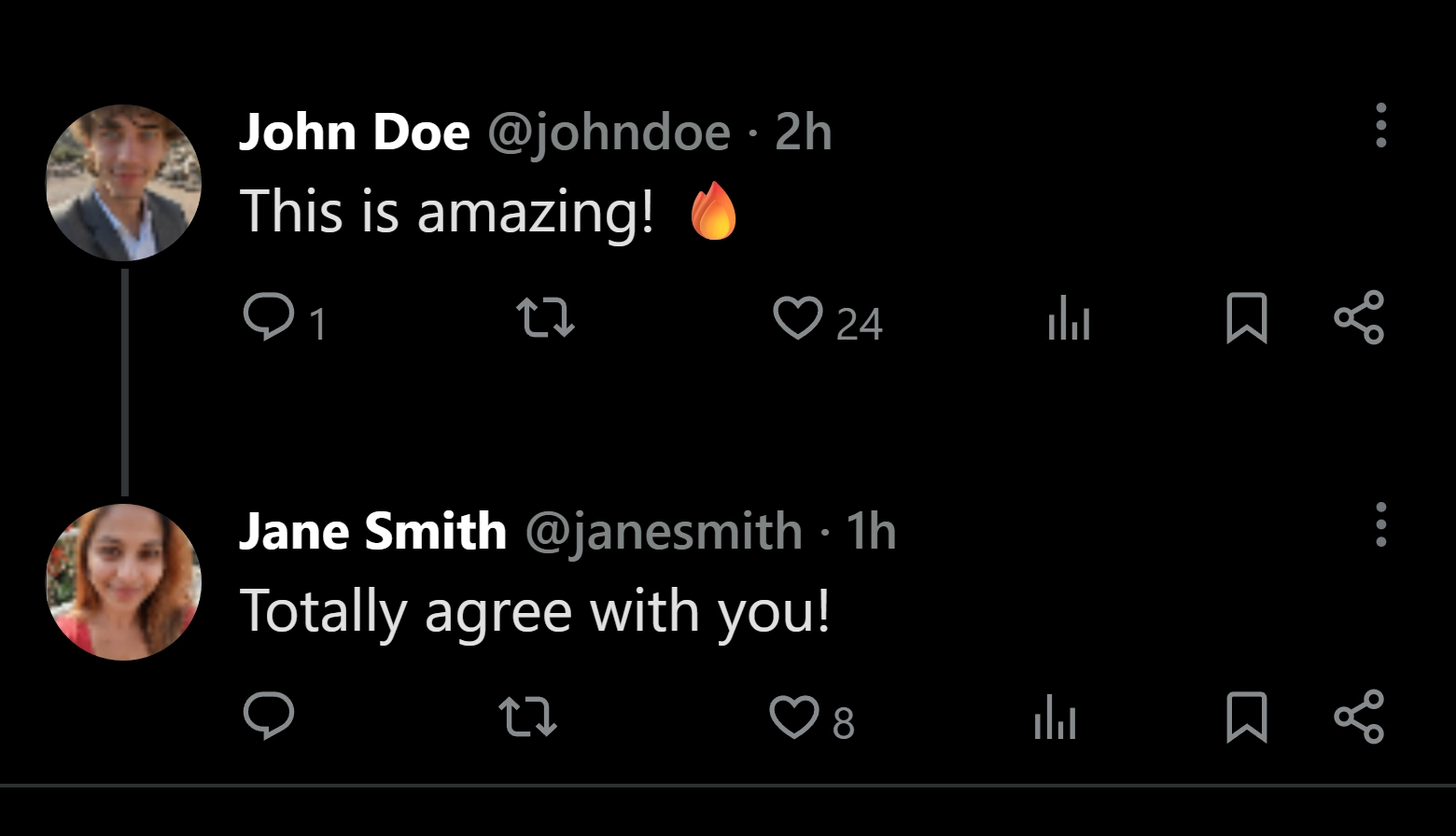
Create realistic X comment mockups in 10 seconds.

No more generators that look nothing like the real thing — with Semblr, finally create realistic X comment screenshots with custom usernames, text, likes, and verified badges.
No signup needed Export 4K Works on mobile
X comment mockup generator — Semblr

Every detail under your control.

The small things are what make a fake comment feel real.

Profile · Customizable

Control every profile detail

Verified badge, like button, reply thread, pinned status — toggle each independently to fit any use case.

Verified badge
Story ring
Reply thread
Like count
Avatar · 80+ options

Avatars library

Upload your own image or pick one from 80 ultra-realistic avatars.

Comment text

Rich comment text

Write any caption with hashtags, date, location, metrics and mentions.

Avatar

Custom avatar

Set any profile avatar. It renders exactly as it would in a real X comment thread.

Engagement

Likes & replies

Set any like count and unlimited replies. Displayed exactly like the real app.

Eight ways teams use Semblr X comment mockups every day.

The fastest way to show a comment — without the privacy risk of using a real one.

Creators

Reels & carousels

Stop screenshotting real comments. Create a fake X comment screenshot that tells your story without exposing anyone's account.

Marketers

Ads & landing pages

Generate X comment mockups that feel native to any thread — social proof screenshots that convert without privacy risks.

Founders

Pitch decks

Show traction with realistic fake X comments from real users — the format investors actually recognize.

Educators

Tutorials & courses

Create X comment screenshots to demonstrate community strategy, copywriting, or social media best practices.

Agencies

Client mockups

Generate X comment mockups for client approval before launching any real campaign or post.

Storytellers

Fiction & screenplays

Drop realistic X comment screenshots into novels, indie films, and social videos without revealing real accounts.

Designers

UI references

Pull a pixel-perfect X comment screenshot for moodboards and UI libraries — no scraping needed.

Press

Editorial mockups

Illustrate social media reporting with clean X comment mockups — no private accounts exposed.

Everything else, answered.

Is the X comment generator free?
Yes. Semblr's X comment generator is free with no signup wall. The free plan includes a small watermark; remove it with the premium plan for $19/year.
Are the mockups in HD?
Yes. On Semblr, choose your mockup resolution and export up to 4K PNG.
Can I use Semblr mockups commercially?
Yes — for ads, landing pages, decks, video thumbnails, courses, and editorial use. The one rule: don't impersonate a real person or brand to mislead anyone. We have a clear acceptable-use policy.
Can I upload my own avatar image?
Yes. You can upload any profile picture and it will render exactly like a real X comment.
Can I customize likes, replies, and comment text?
Every detail is editable: like count, reply count, comment text, hashtags, mentions, verified badge, pinned status, and date.
Does Semblr work on mobile?
Yes. The editor is a full responsive web app — generate X comment mockups from your phone, tablet, or desktop. No app to install.
How is this different from a Photoshop template?
Photoshop templates are static — every change means re-doing the alignment, shadows, and type metrics. Semblr is a live editor: type, toggle, and download. The output matches actual platform rendering, not a designer's approximation of it.
Is this legal?
Generating mockups for legitimate use — design, marketing, fiction, education — is legal. Using a fake post to defraud, defame, or impersonate a real person is not, regardless of the tool. Semblr is a creative tool; check our terms for the full policy.

Make your first X comment mockup now.

From idea to exported image in 10 seconds.

Start now — it's free